FileXplorer
File manager + SSH terminal for Android
SMB · SFTP
FTP · WebDAV
SSH terminal ›_
Cloud · USB
ZIP · RAR
Markdown editor
Word · Excel · PDF
Themes · Pro
File manager + SSH terminal for Android
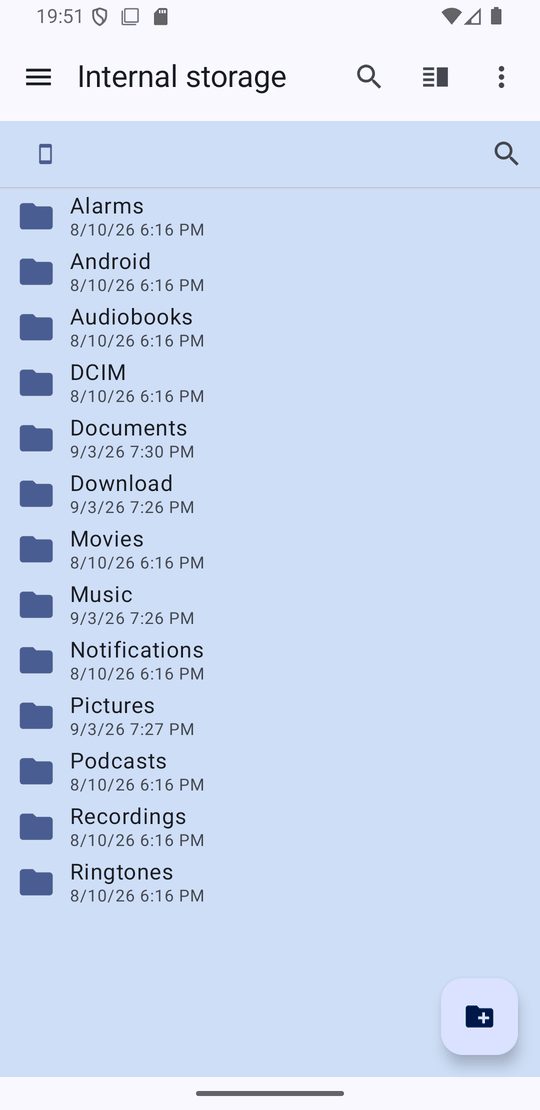
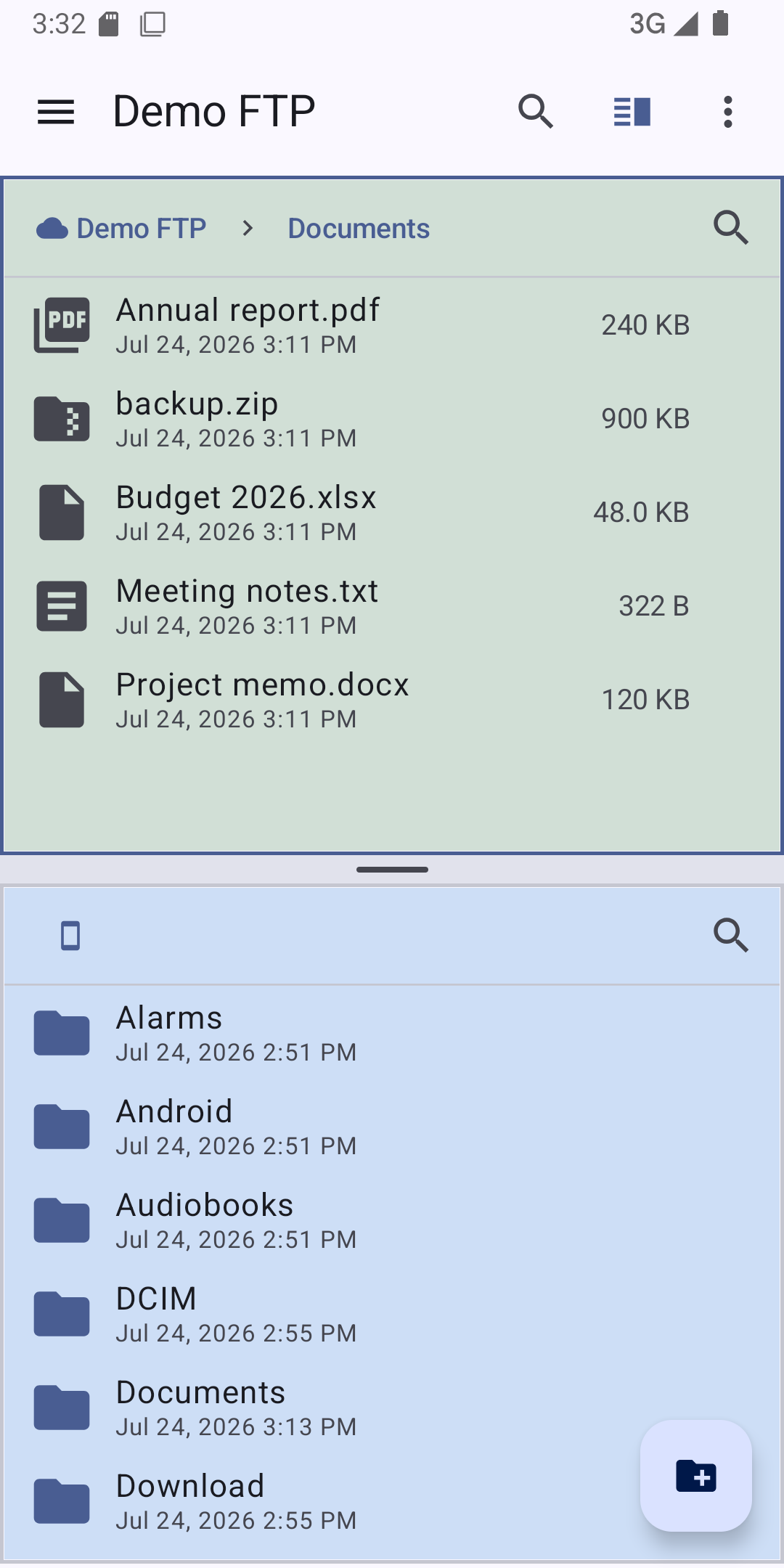
Copy, move, rename and delete, with dual pane and a search that looks inside subfolders, understands *.mp3 and ignores accents. An optional recycle bin keeps deleted files for 30 days.
SMB, SFTP, FTP/FTPS and WebDAV. With SMB, browse the server's shares without typing their name. Test a connection before saving it, and back them all up to a password-encrypted file.
When the server supports it, a copy inside one server is done by the server itself, so a huge folder finishes in seconds instead of being downloaded and uploaded again. Available on SMB and WebDAV, and optional on SFTP.
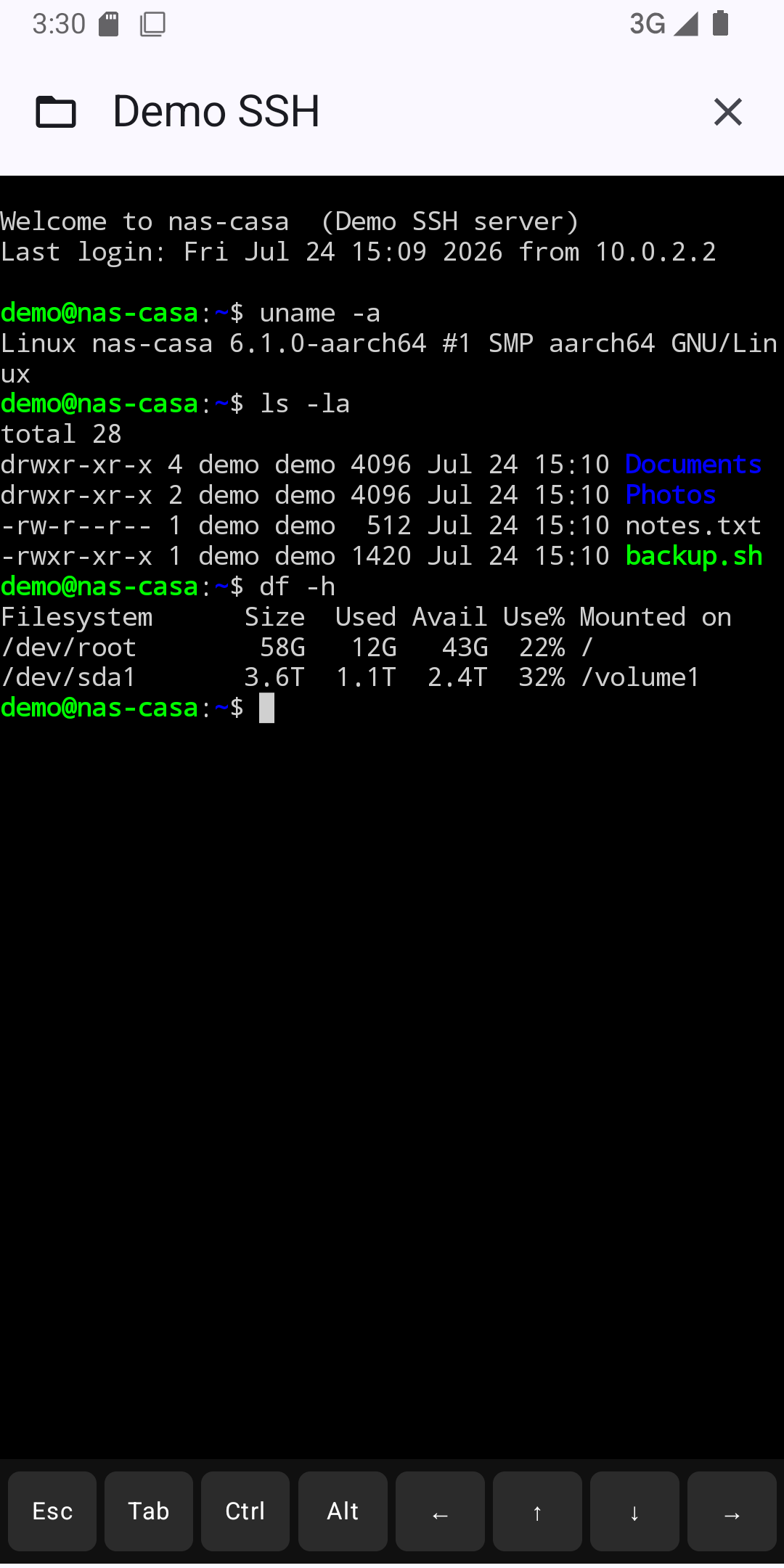
A full terminal emulator. Switch back to the file browser without losing your session.
Log in with a private key in OpenSSH, PEM or PuTTY .ppk format, with its passphrase checked as you type. FileXplorer remembers each server's fingerprint on the first connection and refuses to connect if it ever changes.
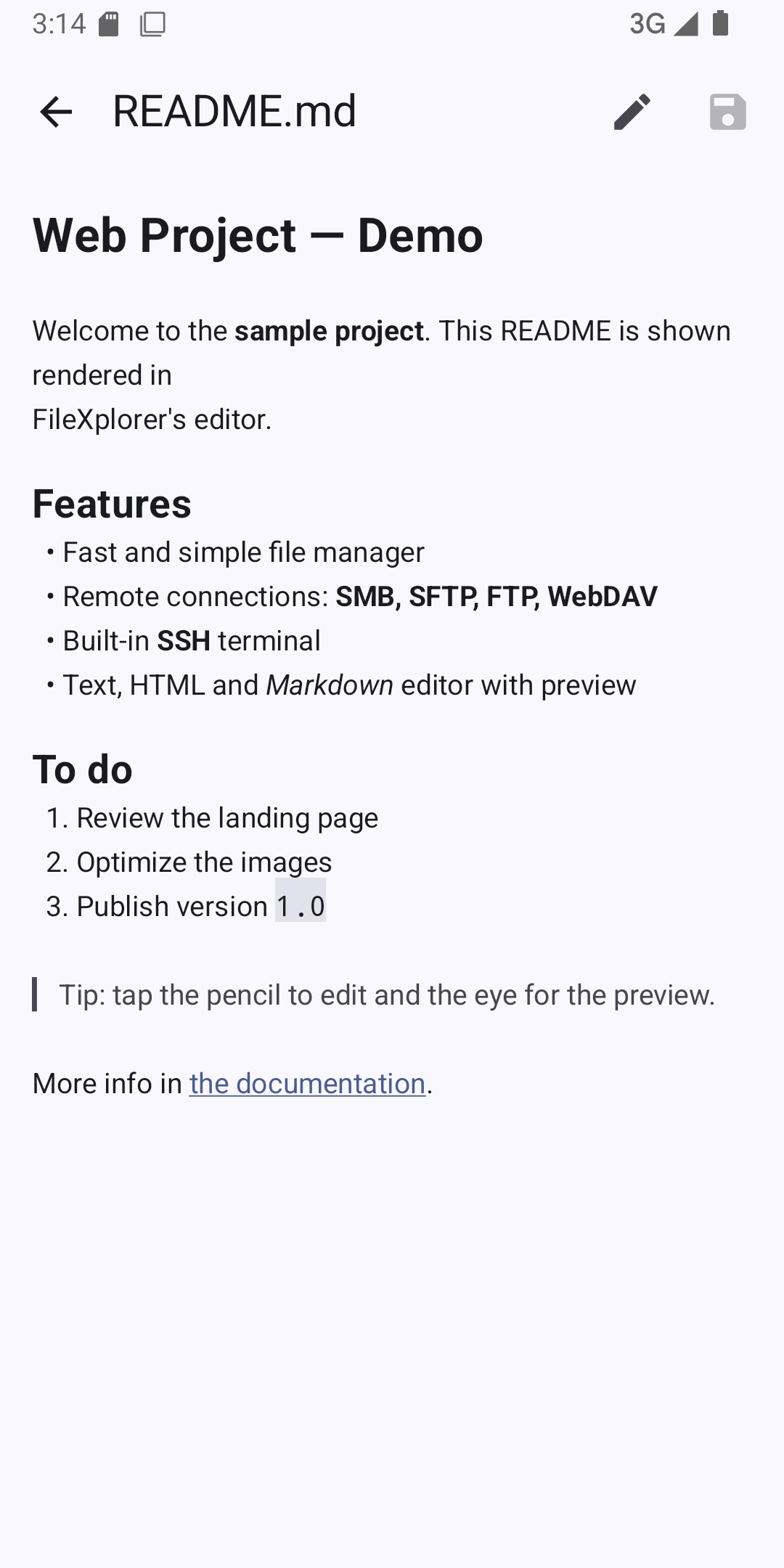
Text, HTML and Markdown with live preview.
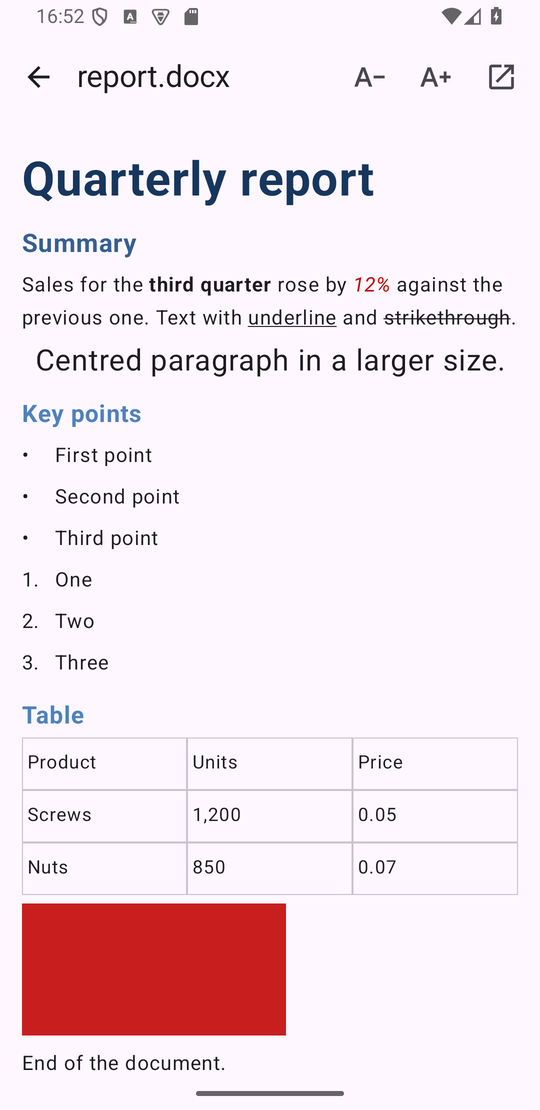
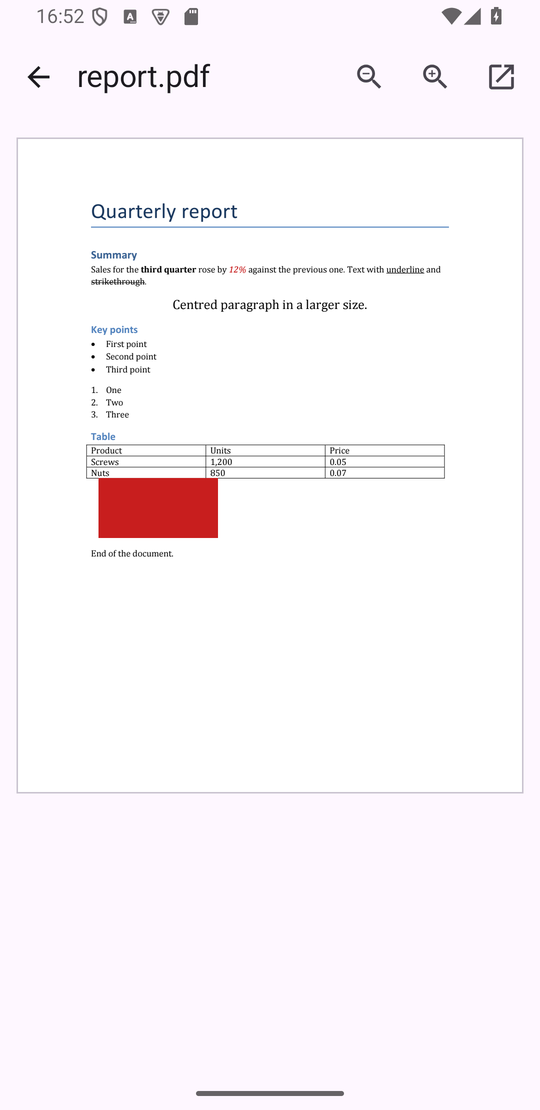
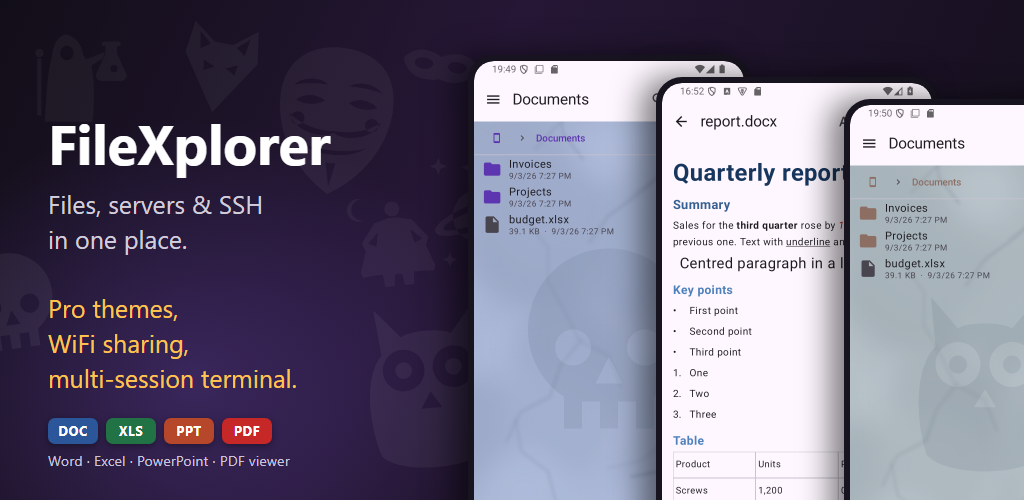
Open docx, xlsx and pptx with their formatting, odt, ods and odp from LibreOffice and OpenOffice too, the old doc, xls, ppt and rtf for their content, and PDF. Spreadsheets keep their colours, fills and number and date formats. Pinch to zoom, and search inside any document, ignoring case and accents. All inside the app, no other viewer needed. Files on your servers are downloaded first.
Tap a ZIP and walk through it like any other folder: open what is inside and copy files out. Extract ZIP and RAR anywhere, or compress a selection into a new ZIP. A ZIP or RAR sent to you on WhatsApp or by email opens with FileXplorer too: pick a folder and it is unpacked there.
Google Drive, OneDrive and USB/SD drives through the Android system picker.
Open photos, videos, documents, text and archives with FileXplorer from WhatsApp, email or any other app, and use "Save to FileXplorer" in the share sheet to drop what you are sharing onto a server. With Pro, your servers also appear when any app asks for a file to attach.
No ads, no analytics and no data collection. Passwords, private keys and their passphrases are encrypted on your device — or never saved at all, if you choose to be asked each time.
Everything above is free and stays free. FileXplorer Pro is a single one-time purchase, with no subscription, that unlocks every Pro feature, including those added in future versions.
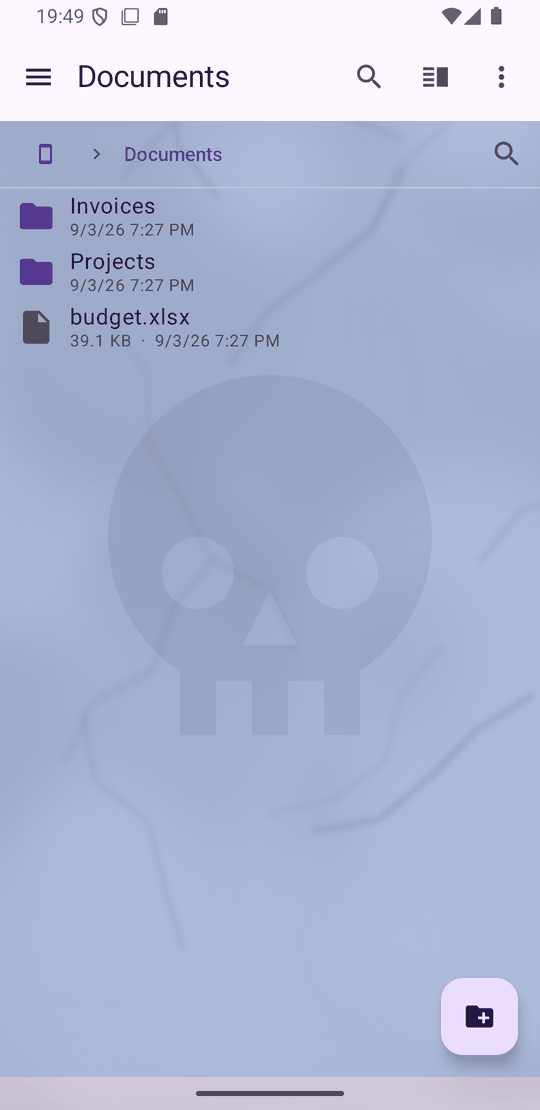
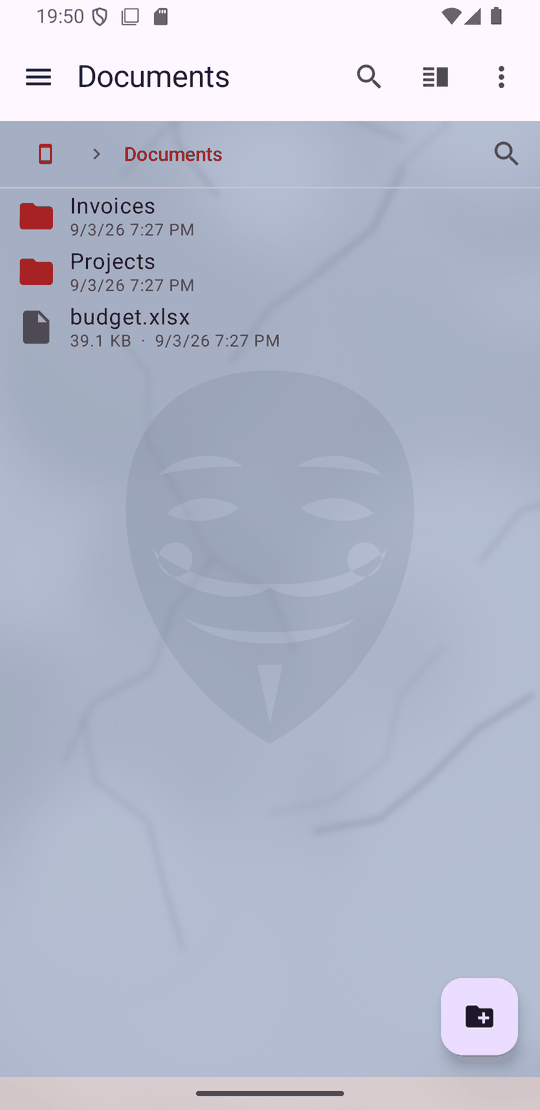
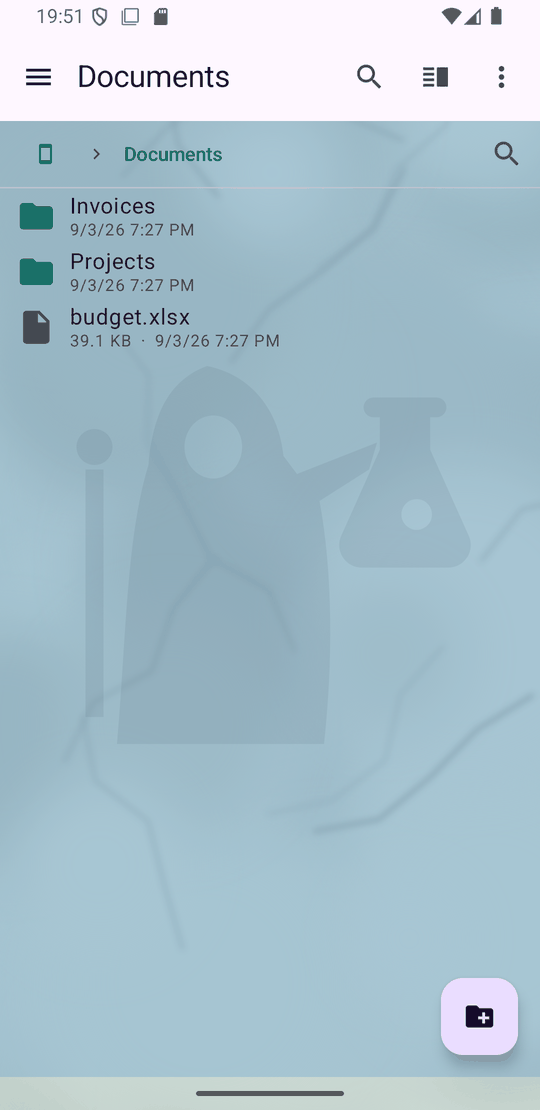
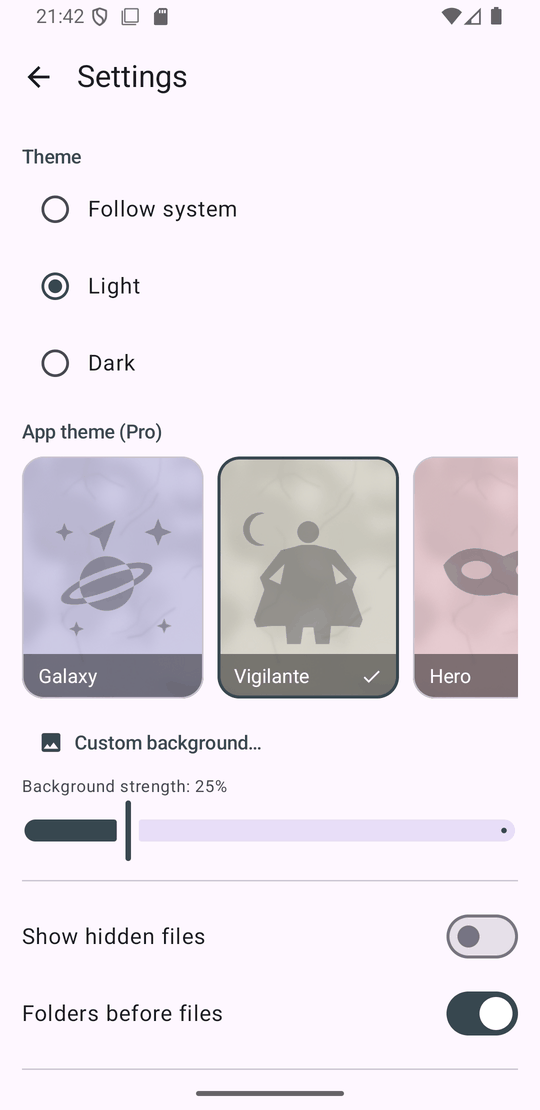
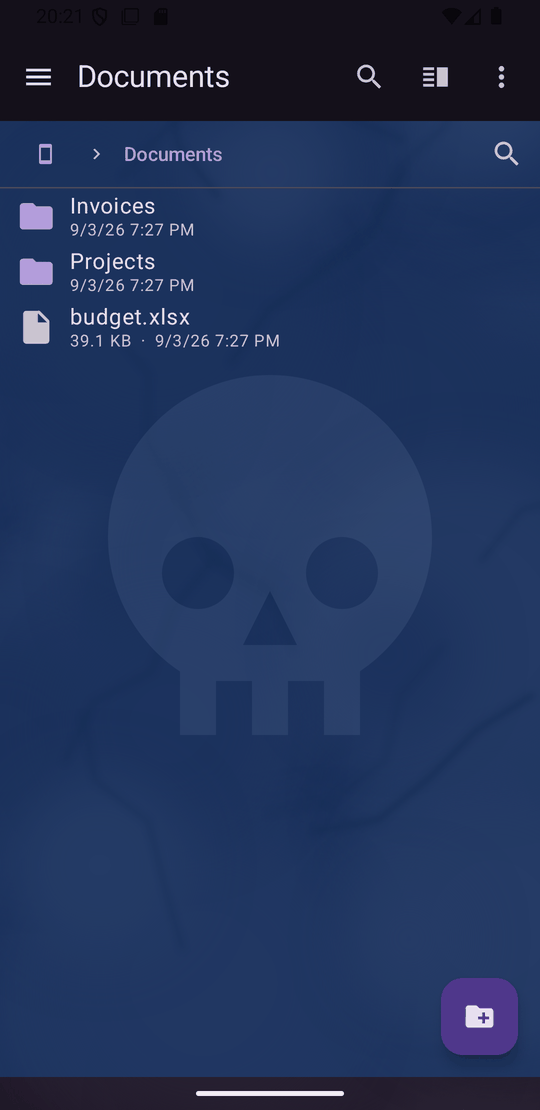
Skull, Fox, Alchemist, Anonymous, Owl, Galaxy, Vigilante and Hero, each with its own colour palette and an emblem carved into a stone slab behind the file list. Or use any picture of your own, with a strength slider.
Open a second or third shell on the same server and switch between them from a dropdown in the terminal title. All of them stay alive while you browse files.
Built-in System, Docker and Docker Compose categories, plus the commands you add yourself. Insert or run a saved command with one tap.
Your phone becomes a WebDAV or FTP server on your local network, protected by username and password and read-only by default. Open its storage from Windows File Explorer, macOS Finder, FileZilla, WinSCP or any WebDAV or FTP client.
When WhatsApp, email or a browser asks for a file to attach, your SMB, SFTP, FTP and WebDAV connections appear as locations, so you can attach a file from your NAS or server without copying it first.
Fourteen languages — English, Spanish, Portuguese, French, German, Italian, Indonesian, Turkish, Vietnamese, Hindi, Russian, Japanese, Korean and Traditional Chinese: your phone's language, or the one you pick in Settings. Free for everyone.